Call Recording & Tracking
The Call Recording & Tracking module provides users with an interface to view and manage inbound and outbound calls associated with the CallRail number related to sales, support, and lead activity. This data is automatically pulled from the CallRail platform directly using API integration.
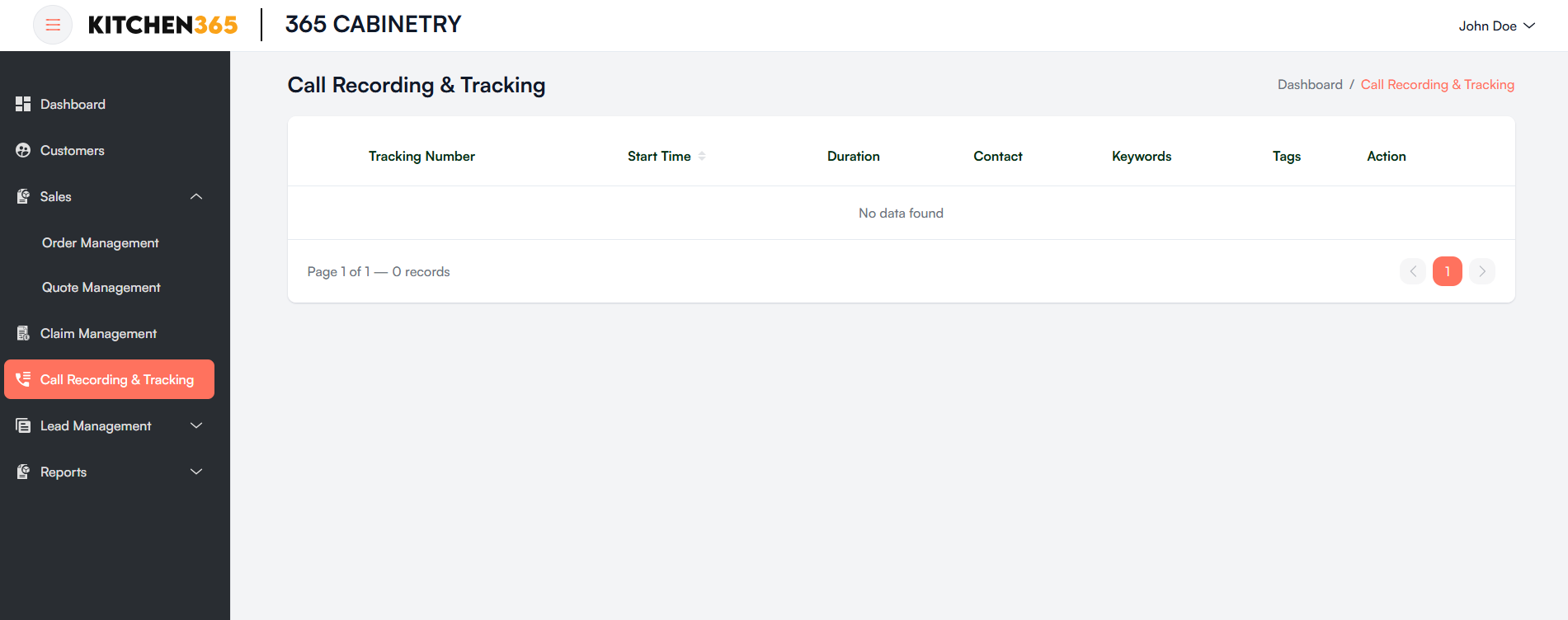
a. Data Table Columns
Once data is populated from CallRail, the table will display:
| Column | Description |
|---|---|
| Tracking Number | The virtual number used to track the call source. |
| Start Time | The exact timestamp when the call started. |
| Duration | Total call duration (in seconds/minutes). |
| Contact | Caller information (name, phone number, if available). |
| Keywords | Keywords detected in the conversation via CallRail analytics. |
| Tags | Tags added to classify the call (e.g., "Lead", "Support", "Follow-up"). |
| Action | Playback or download the call recording (available after data loads). |
b. Pagination Controls
- Use the controls at the bottom right to navigate between pages of call logs.
- The system shows 10 records per page by default.
Data Source
- All data in this module is automatically synced from CallRail.
- Ensure your CallRail integration is active and properly configured in the admin backend.