Log out
Navigation
-
Log in to the Kitchen365 dashboard.
-
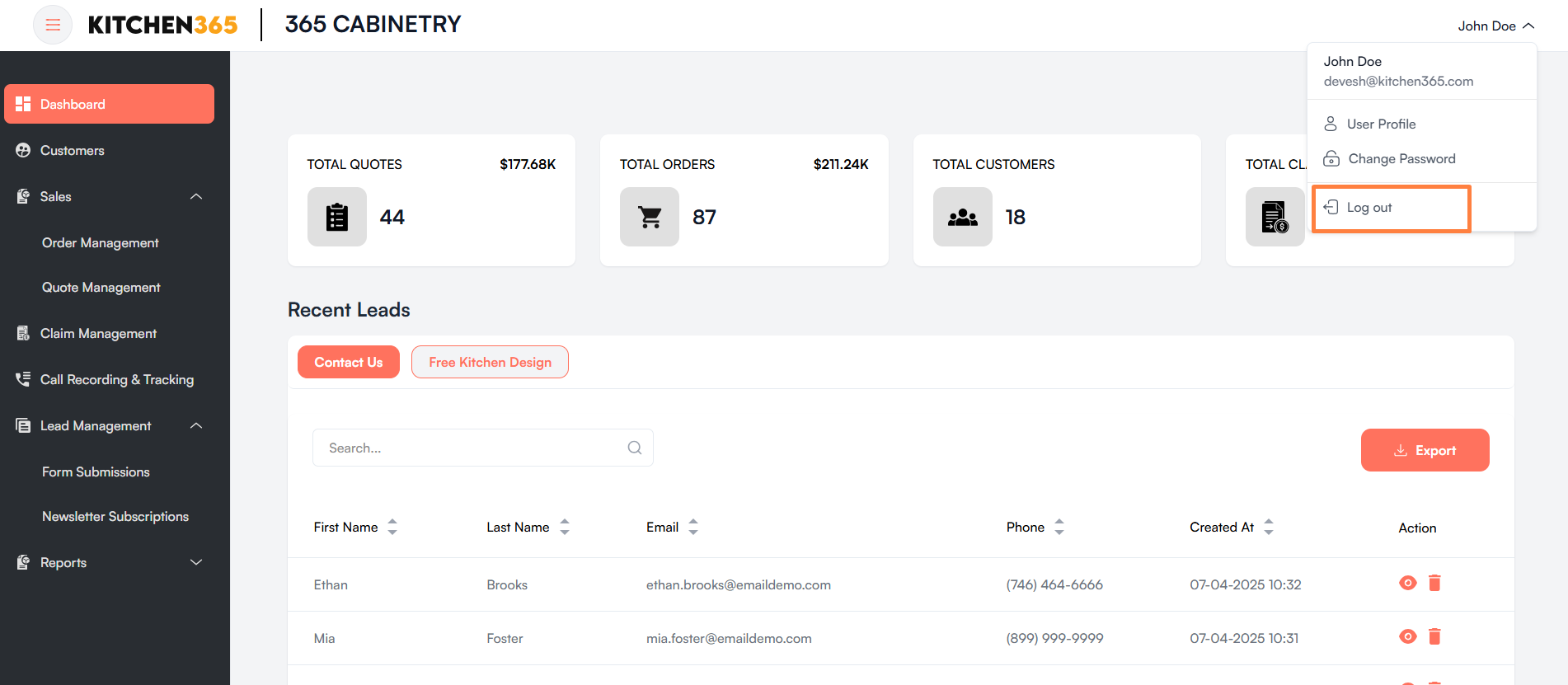
Go to the top-right corner of the page where your name is displayed..
-
Click on your name to open the dropdown menu.
-
In the dropdown, you’ll see the following options:
- User Profile
- Change Password
- Log out ✅
-
Click on “Log out”.
✅ Once clicked, you will be securely logged out and redirected to the login page.