Login
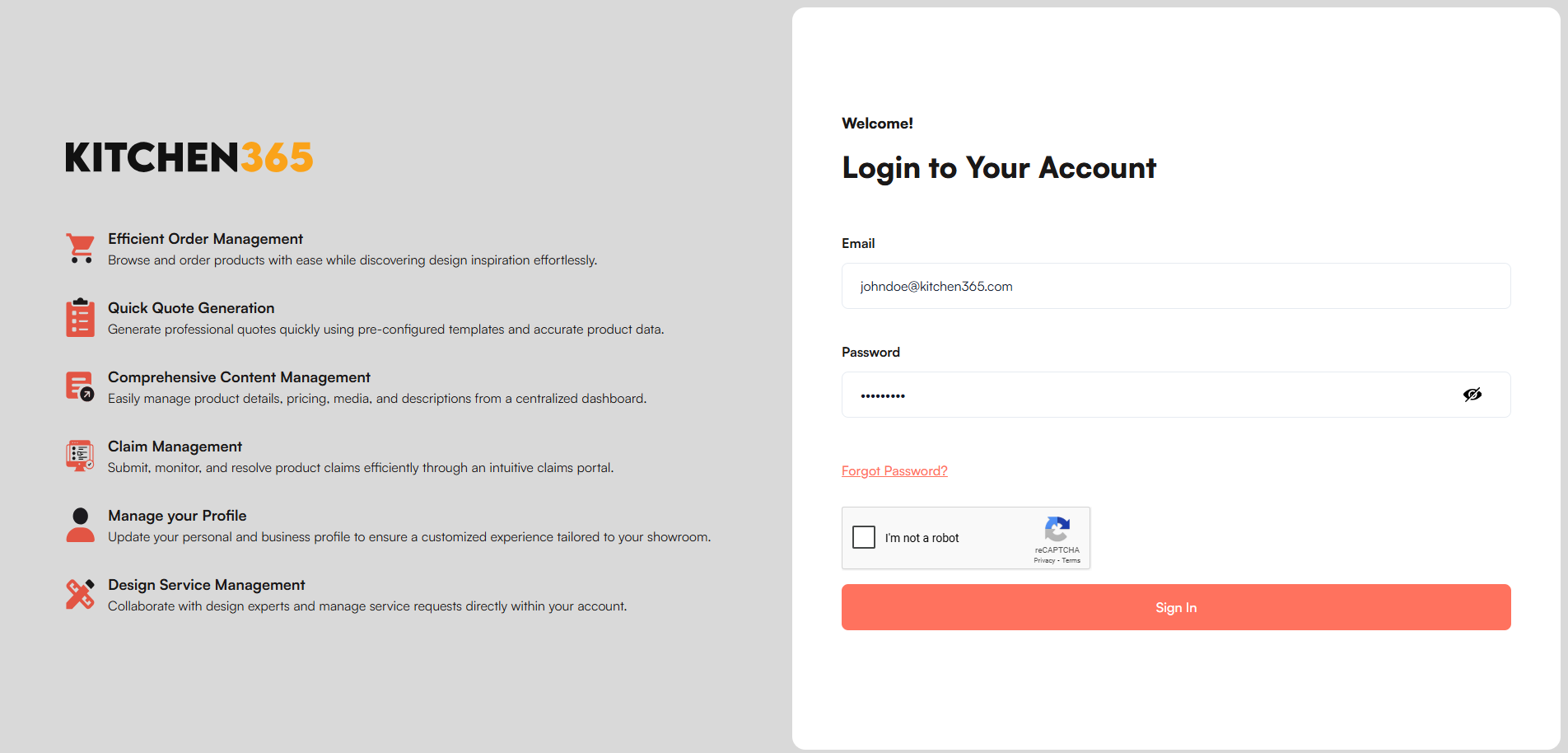
The Login page in the Kitchen365 Console v2.0.0 lets registered users securely sign in to manage orders, quotes, claims, customers, and more.
Access
How to open the Login page
- Open the Kitchen365 Console URL in your browser.
- The Login page appears if you are not already signed in.
a. Sign In
Follow these steps to log in:
- Enter a valid email address and password.
- Complete the CAPTCHA validation.
- Click Sign In to access the Console.
Related guides
- Forgot your password? See Forgot Password.
- After sign-in, you land on the Dashboard.