User Profile
The User Profile page in the Kitchen365 Console v2.0.0 lets signed-in users view and update their personal information. Email address is read-only and cannot be changed from this screen.
Use this page to:
- Verify your registered email and contact details
- Update your name or other editable profile fields
Access
How to open User Profile
- Log in to the Kitchen365 Console.
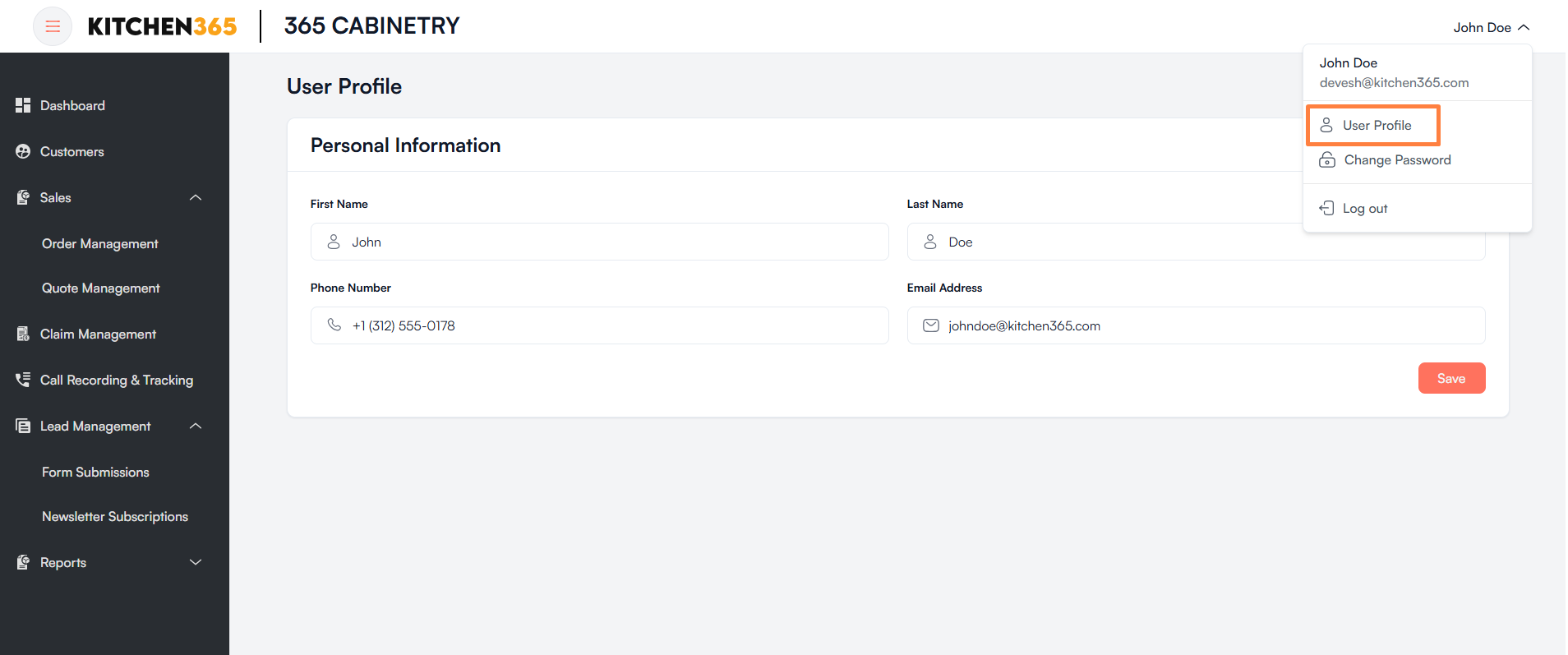
- In the top-right corner, click your name to open the user menu.
- Click User Profile.
| Menu Option | Description |
|---|---|
| User Profile | View and edit your personal information. |
| Change Password | Update your account password. See Change Password. |
| Log out | Sign out of the Console. See Log out. |
a. Profile Details
The profile page displays your registered information. You can update editable fields and click Save to apply changes. Email address cannot be edited.
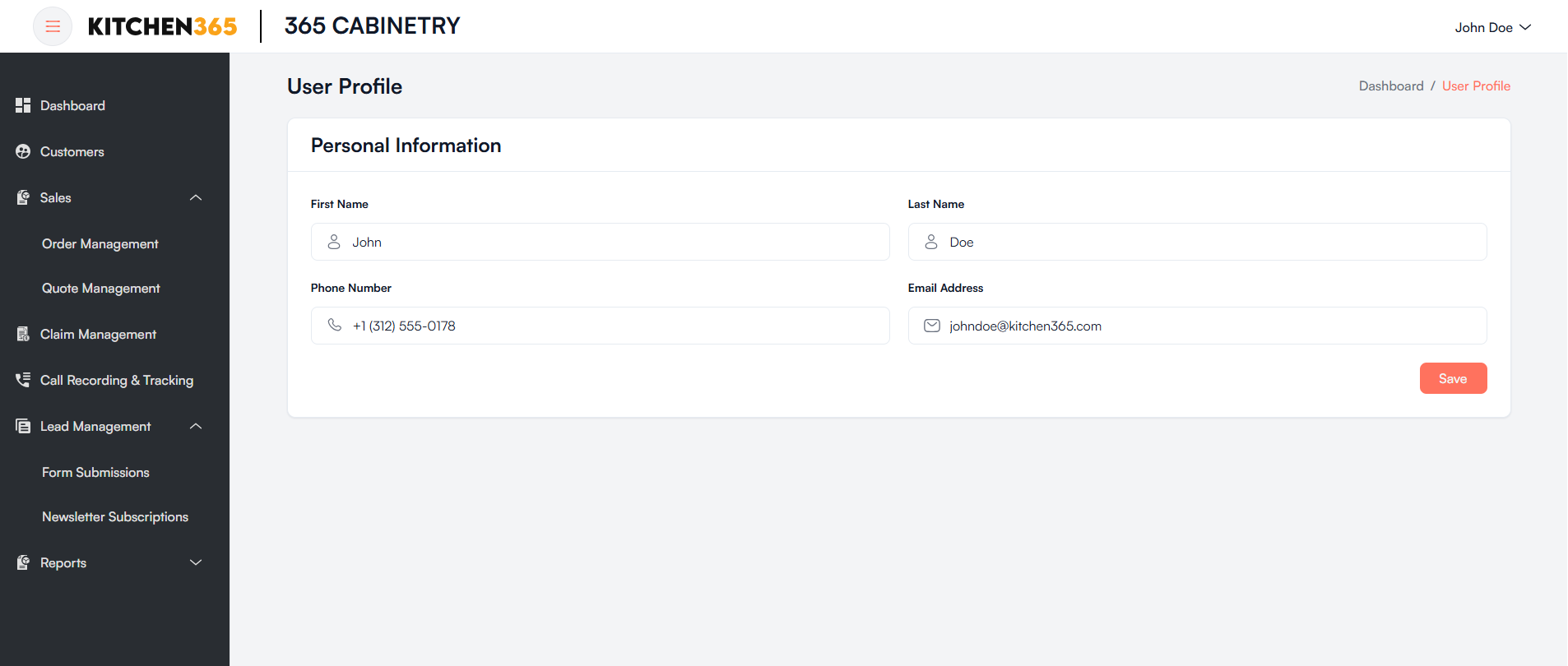
| Action | Description |
|---|---|
| Edit fields | Update allowed personal information on the form. |
| Save | Applies your changes. |